
October is Cybersecurity Awareness Month. The campaign is led by CISA (the federal Cybersecurity and Infrastructure Security Agency) and the National Cybersecurity Alliance, and the Alliance's 2026 theme is "Don't make it easy for them." The idea is simple: a few everyday habits make your business a much harder target.
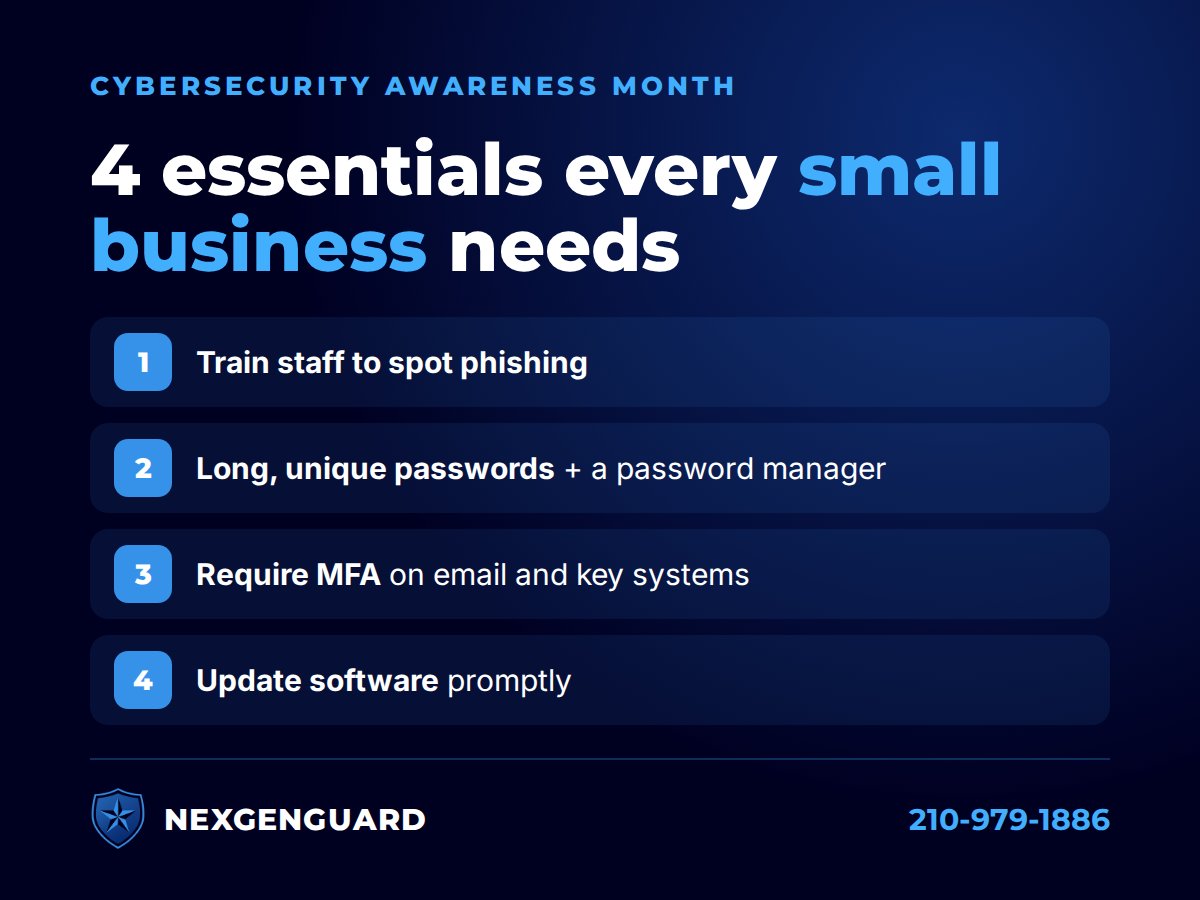
CISA boils it down to four essentials for businesses. None of them require a big budget. Here's what each one means in practice for a small office.
1. Train your team to spot phishing
Many break-ins start with a message: an email, text or call that pushes someone to click a link, open an attachment, or send money or information. CISA recommends teaching staff to recognize these messages and to verify any unusual request through a contact method you already trust, not the one in the message.
What to watch for:
- Urgency or pressure ("act now," "your account will be closed")
- A sender address or link that's slightly off
- Requests to change bank details, buy gift cards or share a code
We saw this firsthand this month with a fake bank "fraud department" scam targeting a San Antonio client. Our security awareness training teaches staff to catch these in seconds.
2. Use long, unique passwords and a password manager
CISA recommends passwords that are long, random and unique for every account, and a password manager so nobody has to remember them. The point of "unique" is that one leaked password shouldn't unlock your email, your bank and your software all at once.
- Use a business password manager for the whole team
- Never reuse a work password on a personal site
- Change any password you know was exposed
3. Require multi-factor authentication (MFA)
MFA adds a second step to signing in, like a tap on your phone, a code, or a physical security key. CISA describes it as an extra layer of protection that requires two or more ways to verify who you are, and recommends using the strongest method available.
Start with the accounts that matter most:
- Email (Microsoft 365 or Google Workspace)
- Banking and payroll
- Remote access and any admin accounts
Learn more about how we roll out multi-factor authentication for small businesses.
4. Keep software updated
Updates fix security holes that criminals look for. CISA recommends applying patches and automatic updates promptly and replacing outdated systems that no longer get updates.
- Turn on automatic updates for Windows, Mac, phones and browsers
- Don't forget firewalls, routers and printers
- Plan to replace anything that's out of support. Windows 10, for example, reached end of support in October 2025.
With managed IT services, we handle updates for you and confirm they actually installed.
A quick checklist for this week
- Share one phishing example with your team
- Set up a password manager, or check that everyone is using it
- Confirm MFA is on for every email account
- Check that every computer has its latest updates
Not sure where your business stands?
NexGenGuard is a family-owned IT company in San Antonio. We'll review your devices, accounts, backups and network and give you a plain-English list of what to fix first. Request your free IT security audit or call 210-979-1886.
